
iPad Repair in Kelowna: The Most Common iPad Problems (And How Repair Express Fixes Them Fast)
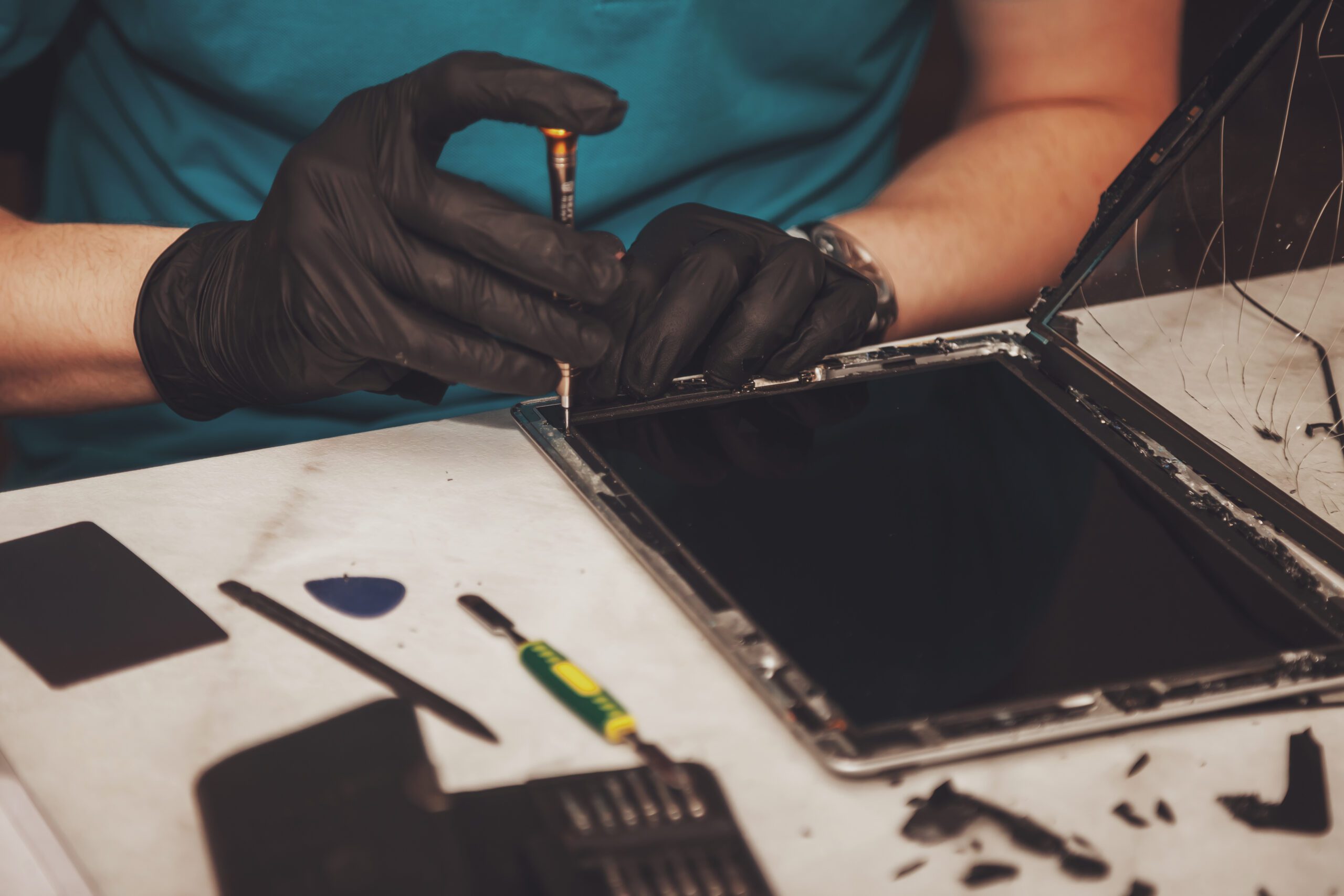
An iPad is one of those devices you don’t realize you depend on until something goes wrong. It’s your work screen, your kid’s entertainment, your travel buddy, your recipe station, and your “quick Google search” machine. Then it gets dropped, stops charging, starts glitching, or the screen cracks and suddenly you’re searching iPad repair options that won’t waste your time.
If you’re looking for iPad repair Kelowna locals can rely on, Repair Express focuses on quick diagnostics and the right fix the first time. Below are the most common iPad issues we see, what usually causes them, and how Repair Express fixes them fast so you can get back to normal.
Fast iPad Repair in Kelowna for Cracked Screens and Display Issues

Cracked screens are the top reason people book iPad repair, but “screen problems” can mean a few different things:
- visible cracks across the glass
- black spots or discolouration on the display
- vertical or horizontal lines
- flickering or dim brightness
- a screen that stays black even when the device is on
- touch working in some areas but not others
Cracked iPad repair is often straightforward when handled early. The longer a cracked screen is left alone, the more likely you’ll deal with spreading damage, moisture intrusion, and additional internal issues. If the crack is sharp or lifting, it can also become a safety issue, especially if kids use the device.
How Repair Express fixes iPads fast:
Repair Express starts with a quick assessment to determine whether you need iPad screen repair only, or a deeper iPad repair because the digitizer, display, or internal connectors were affected. Once the issue is confirmed, the repair is targeted so you’re not paying for parts you don’t need.
Quick tip before you book:
If your iPad screen is cracked but still working, avoid pressing on the damaged area and skip home “glass replacement” kits. DIY attempts often turn a simple iPad repair into a much more complicated one.
iPad Screen Repair vs Full iPad Repair: What Repair Express Recommends
One reason people get stuck is pricing. They search tablet repairs near me and see huge ranges, then wonder what’s actually included. The difference usually comes down to whether the repair is limited to the screen or whether the iPad needs additional work.
Here’s the simplest breakdown:
- iPad screen repair
This is best when the problem is isolated to the glass, display, or touch layer. - full iPad repair
This is needed when the issue goes beyond the screen, like battery performance, charging issues, power failures, speaker problems, or button damage.
Repair Express recommends the most targeted option that actually solves the problem. That usually means faster turnaround and better value, because you’re fixing what’s broken instead of swapping parts based on guesses.
What you can expect during an assessment:
- a clear explanation of what’s failing and why
- a recommended iPad repair plan based on the symptoms and test results
- a straightforward path forward so you can decide confidently
If you’re experiencing screen flicker, touch lag, or random taps, the issue might not be the screen alone. In those cases, a proper iPad repair assessment matters because the root cause could be internal connectors or damage from a previous drop.
Apple iPad Repair for Charging, Battery, and Power Problems
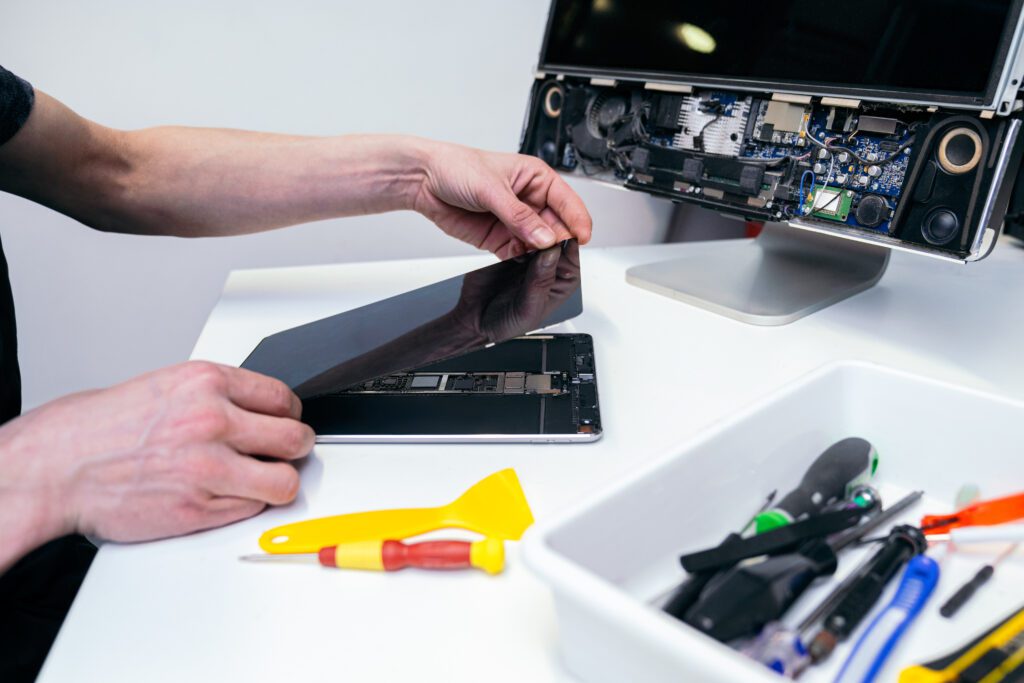
Charging and battery issues are some of the most frustrating because they feel unpredictable. Common symptoms include:
- iPad won’t charge even with different cables
- battery drains quickly or drops in big jumps
- device shuts off randomly even when the battery shows power remaining
- iPad only works when plugged in
- overheating during charging
If you’ve already tried a new cable and adapter and nothing changes, it’s time for apple ipad repair diagnostics rather than more trial and error.
How Repair Express approaches iPad repair:
The team checks the simplest causes first, then tests deeper factors to determine whether the issue is:
- a failing battery
- damage or wear in the charging port
- power-related components inside the device
- internal impact or moisture damage
This matters because replacing the wrong part wastes both time and money. The goal of iPad repair should always be accurate diagnosis first, then the correct fix.
Before you book, try this quick checklist:
- Test with a known-good cable and adapter
- Check the port for visible debris (avoid using metal tools)
- Restart the iPad (or force restart if it’s frozen)
If none of that helps, professional iPad repair is the next step.
Tablet Repairs Near Me: Diagnosing Touchscreen, Button, and Speaker Issues
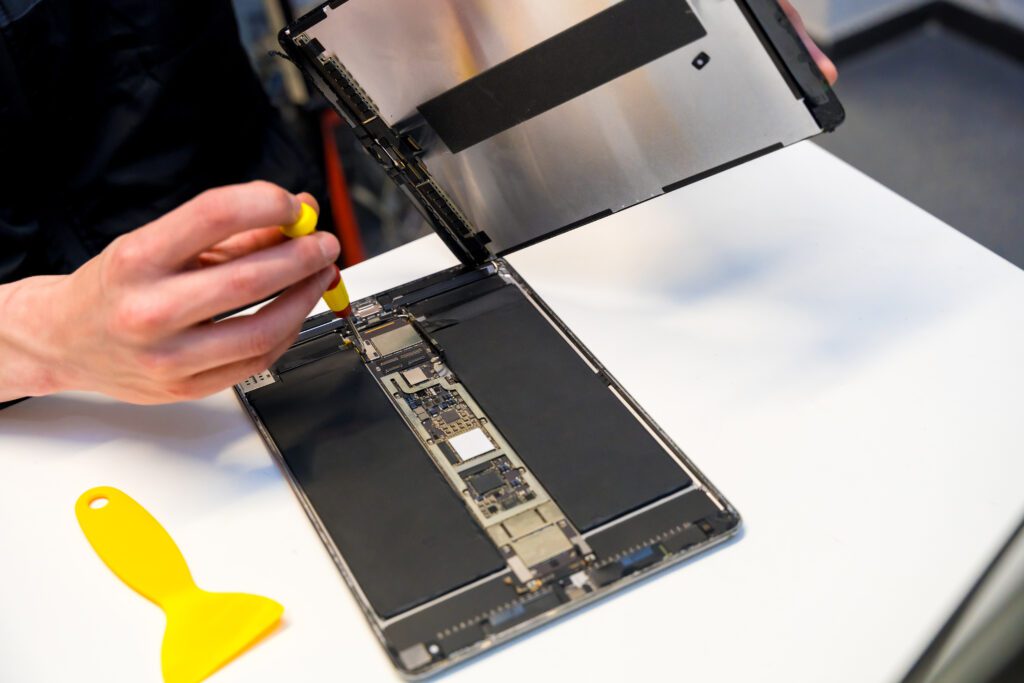
Not every iPad repair starts with a cracked screen. Some issues creep in quietly and make the device feel unreliable.
Touchscreen problems can include:
- ghost touch (the screen taps by itself)
- unresponsive sections of the screen
- lag when typing or scrolling
Button problems can include:
- power, home, or volume buttons sticking
- buttons needing extra pressure to work
- buttons that stop responding entirely
Speaker and sound problems can include:
- crackling audio
- sound cutting out during videos
- microphone issues during calls or recordings
- no sound despite volume being up
When people search tablet repairs near me, they’re usually trying to avoid guessing games. These issues can come from drops, internal connector damage, wear over time, or minor moisture exposure.
How Repair Express fixes these iPad repair issues:
Repair Express uses functional testing to isolate the real source of the problem. That way, the iPad repair targets the correct component and avoids unnecessary replacements. And if you also need iPhone repair services for another device in the house, Repair Express can help with that as well.
Repair Express Locations in Kelowna, Vernon, and Penticton for iPad Repairs
If you’re in the Okanagan, you don’t need to drive far to find reliable iPad repair. Repair Express serves multiple locations so you can get support where it’s most convenient.
- Repair Express Kelowna: fast help for screens, batteries, charging, and more
- Repair Express Vernon: a local option for North Okanagan device repairs
- Repair Express Penticton: convenient repairs for South Okanagan residents
Whether you need cracked ipad repair, ipad screen repair, or a more complex apple ipad repair, the process should be clear and efficient. A good iPad repair experience is one where you understand what’s wrong, what’s being fixed, and how long it should take.
Reasons locals choose Repair Express:
- quick diagnostics so you’re not guessing
- targeted repairs based on what’s actually broken
- help for multiple devices in one place, including tablets and phones
Book Your iPad Repair with Repair Express
If your screen is cracked, your iPad won’t charge, or it’s glitching in ways that make it hard to use, don’t wait for it to get worse. iPad repair is often simpler and faster when problems are caught early. Book an appointment with Repair Express and get your device back to working the way it should.