
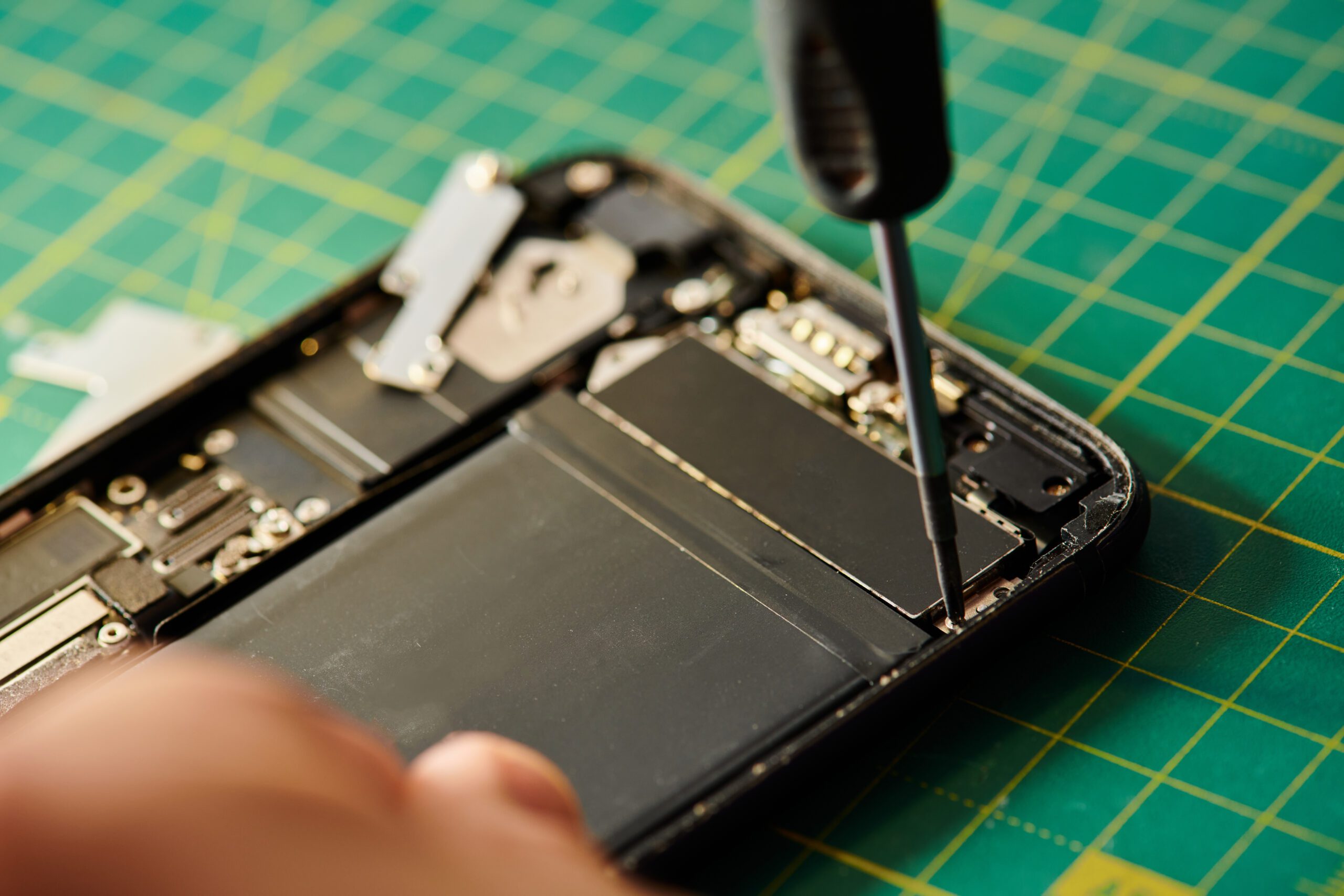
Your iPhone can go from 80% to “low battery panic” shockingly fast, and it’s not always because your phone is “old.” Battery drain is usually a mix of battery health, settings, apps, and a few sneaky background processes that quietly chew through power all day. The good news is you can troubleshoot a lot of this yourself, and when it’s time for iPhone repair, a proper iPhone battery replacement can make your device feel brand new again.
In this guide, we’ll break down what battery health actually means, why an iPhone battery draining fast happens, the best quick fixes, and the clear signs it’s time to replace iPhone battery. If you’re in need of iPhone repair, Repair Express can help you get back to full-day power without the guesswork.
Battery Health Basics That Actually Matter (Not Just the Percentage)
Battery health isn’t the same thing as your battery percentage. Your battery percentage is how much charge you have right now. Battery health is your battery’s maximum capacity compared to when it was new. As lithium-ion batteries age, they hold less total charge, and they’re less efficient at delivering power during high-demand moments (camera use, gaming, video calls, navigation, and even cold weather). A battery can still show 100% and drain quickly if the maximum capacity is reduced. That’s why checking Battery health in your iPhone settings is step one before booking iPhone repair. If your maximum capacity is noticeably lower than it used to be, you may be approaching iPhone battery replacement territory.
Also pay attention to performance messages in Battery settings. If your iPhone is applying performance management (or you notice random shutdowns), that’s often a sign the battery can’t keep up with peak power demands. At that point, iPhone repair isn’t just about convenience, it can be about reliability. If you’re not sure what you’re looking at, an iPhone repair shop can confirm whether the battery is the core issue or whether something else is causing power drain. Repair Express sees this every day, and a quick check can save you from replacing parts you don’t need.
The Real-World Reasons Your iPhone Battery Is Draining Fast

Battery drain usually comes from a few common culprits, and most of them are fixable without opening the phone. Before you commit to iPhone repair, work through these causes:
Background app activity and runaway refresh
Some apps refresh constantly, even when you’re not using them. Social apps, email clients, and location-based apps are the usual suspects. Background App Refresh can be useful, but it can also be a battery vacuum.
Location services doing overtime
“While Using the App” is generally fine. “Always” can drain your iPhone battery fast, especially for apps that don’t truly need it. Location + geofencing + frequent updates can cause constant wake-ups.
Display settings and always-on habits
Screen brightness, long auto-lock times, and widgets that update frequently can drain power faster than people expect. This is especially true if you’re in bright environments where your phone pushes brightness higher.
iOS updates and indexing
After an update, iPhones sometimes spend time indexing photos, rebuilding caches, and re-optimizing background tasks. Battery drain can spike for a day or two. If it lasts longer, iPhone repair troubleshooting might be the next step.
Signal strength and network switching
Poor reception makes your phone work harder to stay connected. Constant switching between Wi-Fi and cellular, or hunting for a weak signal, can cause noticeable drain.
Battery ageing
Sometimes it really is just the battery. If you’ve had your phone for a few years, battery capacity drops naturally. That’s when iPhone battery replacement makes the biggest difference, and it’s one of the most common iPhone repair services people book. If your iPhone battery draining fast started suddenly (overnight), that’s also worth noting. Sudden changes often point to an app issue, a software hiccup, or a battery that’s beginning to fail. If you’re stuck, an iPhone repair shop can run quick diagnostics and point you in the right direction.
Fast, No-Tools Fixes to Stretch Your Battery Today
Before you schedule iPhone repair, try these practical fixes. They’re quick, they don’t require any special tools, and they can dramatically reduce drain if settings or apps are the issue.
- Update iOS and your apps
- Buggy apps can run in the background and burn power. Updates often fix this.
- Check your Battery usage list
- Go to Settings > Battery and look for apps using an unusually high percentage. If something stands out, update it, limit background refresh, or uninstall and reinstall.
- Reduce Background App Refresh
- Turn it off entirely or restrict it to Wi-Fi only.
- Tweak Location Services
- Set non-essential apps to “While Using” or “Never.” Limit system services you don’t need.
- Enable Low Power Mode strategically
- Use it when you’re out for the day or when you need to stretch the last 20–30% for hours.
- Reduce motion and visual effects
- Animations look nice, but they cost energy. Turning down effects can help on older devices.
- Adjust display habits
- Lower brightness a notch, shorten auto-lock, and reconsider always-on features if you don’t need them.
If you try these and your battery still drops fast, you’re likely dealing with reduced battery capacity or a hardware issue. That’s when iPhone repair becomes the most time-saving option, because you stop experimenting and get a clear answer.
Clear Signs It’s Time for an iPhone Battery Replacement
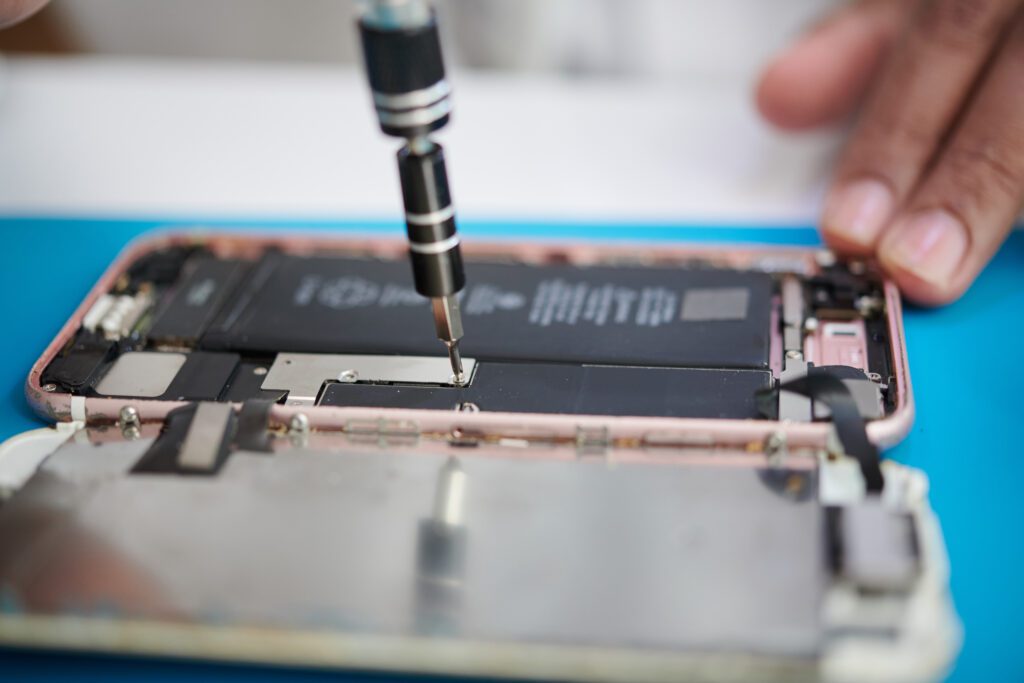
At some point, tips and tweaks won’t overcome an ageing battery. Here are the strongest signs you should replace iPhone battery rather than keep chasing settings:
- Your maximum capacity is consistently low and you feel it daily
- Your phone dies quickly even with light use
- It shuts down unexpectedly, especially in cold weather or during camera use
- Charging feels inconsistent, or the battery “jumps” in percentage
- Your iPhone gets warmer than usual during basic tasks
- You’ve tried software fixes and nothing changes
This is where iPhone repair shines. A professional Apple iPhone battery replacement restores the device’s ability to hold a full charge and deliver stable power. For many people, it’s the most cost-effective way to extend the life of their phone, especially compared to upgrading. An iPhone battery replacement is also a smart move if you rely on your phone for work, travel, or family logistics. Nobody has time for surprise shutdowns.
What to Expect with an iPhone Repair at Repair Express
When you book iPhone repair at Repair Express, the goal is simple: confirm the cause, fix what’s needed, and get you back to a phone that lasts all day. For battery issues, that usually means three steps:
Quick assessment and battery health review
A tech will review battery health readings, usage patterns, and symptoms. Sometimes the fix is settings-related. Other times it’s clearly time for iPhone battery replacement.
The right battery solution for your iPhone model
Whether you’re looking for an Apple battery replacement or a standard iPhone battery replacement, the most important thing is compatibility and quality. Different models (including newer devices like iPhone 17) can have different calibration needs and performance expectations. A dedicated iPhone repair shop will match the correct part to your device and ensure it performs properly.
Post-repair checks so you leave confident
After iPhone repair, you should expect basic performance checks and charging verification. You’re not just paying for a part, you’re paying for a working solution.
Repair Express also handles a wide range of phone repairs beyond battery work, which matters because battery drain can sometimes be caused by related issues (charging ports, software problems, or device damage). If you’re not sure what’s going on, iPhone repair diagnostics can save you time and frustration.
Keep Your Battery Health Strong After the Fix
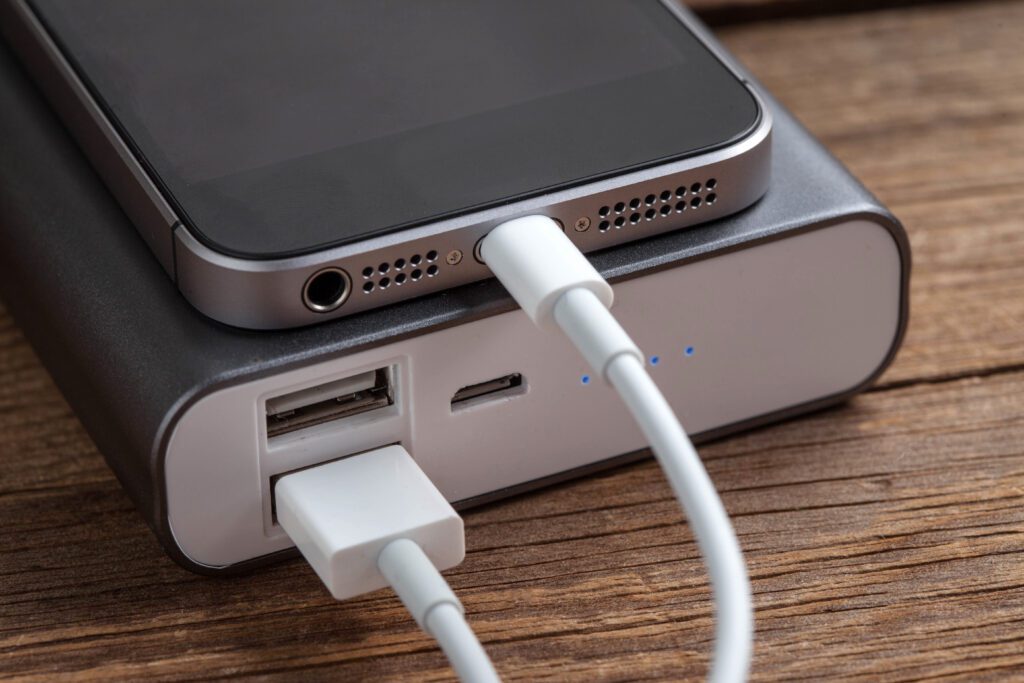
Once your iPhone is running properly again, a few habits can slow future battery wear:
- Avoid leaving your phone at 0% or 100% for long periods
- Use quality charging accessories
- Don’t cook your phone (heat is brutal for battery health)
- Keep iOS updated and watch for app battery hogs
- If you notice a new drain pattern, act early before it becomes a bigger issue
When You’re Done Guessing, Book the Fix
If your iPhone battery draining fast is becoming a daily problem, you don’t have to keep living on a charger. The right iPhone repair can restore reliable battery life quickly, and an iPhone battery replacement is often the best value upgrade you can make. For expert iPhone repair and iPhone battery replacement, contact Repair Express. Whether you’re carrying an older model or the latest iPhone 17, their iPhone repair shop team can diagnose the issue and recommend the most practical next step, so your phone works the way it’s supposed to.