
iPhone Battery Draining Fast? When to Replace Your iPhone Battery
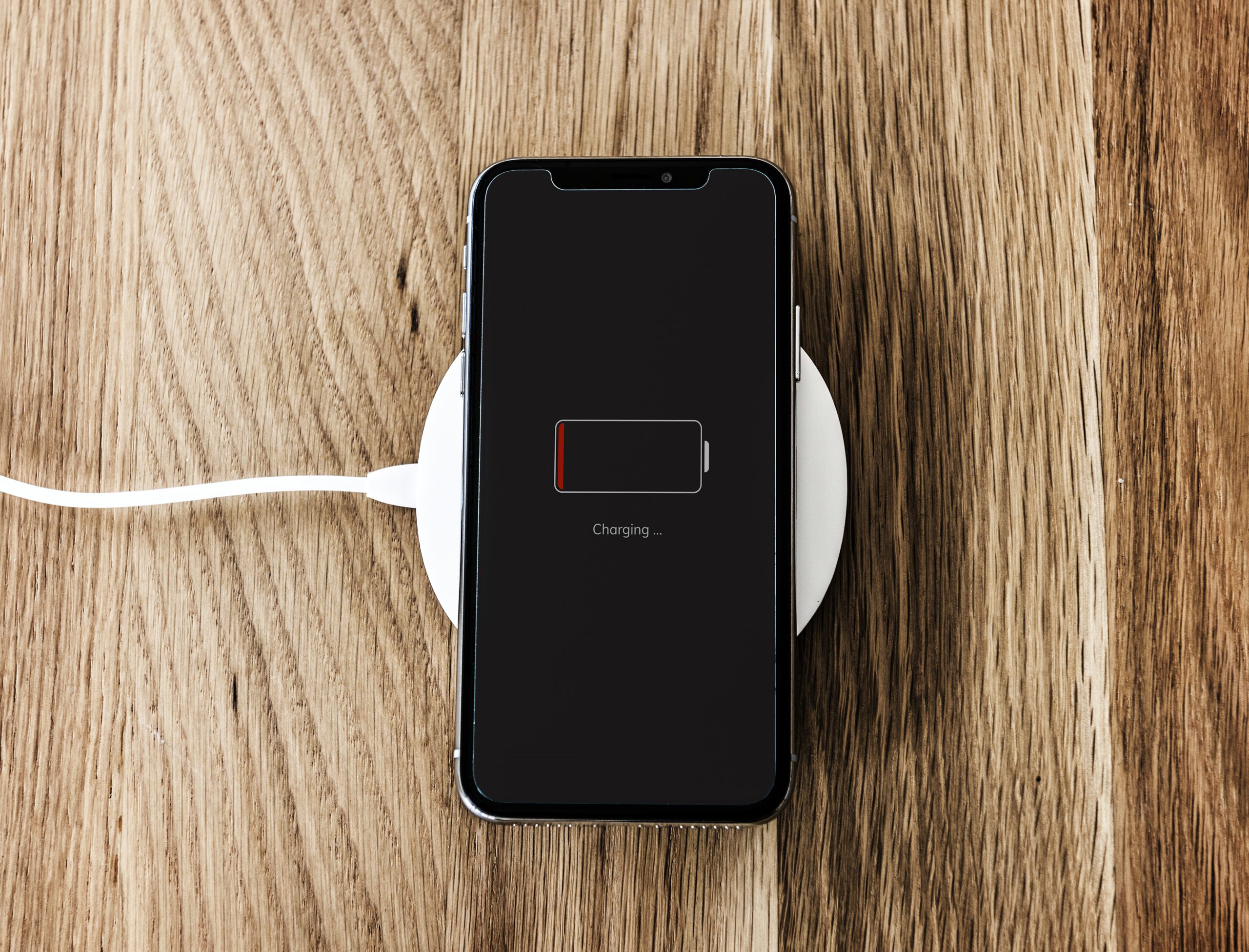
An iPhone battery draining fast can turn an ordinary day into a constant search for the nearest outlet. Your phone may start the morning fully charged, fall below 50% before lunch, and enter low-power mode long before the day is over.
Some battery drain can be caused by apps, display settings, weak cellular signals, software updates, or temperature changes. However, when poor battery performance becomes consistent, the battery itself may be approaching the end of its useful life. In that situation, an iPhone battery replacement can restore dependable power without the expense of buying a new phone. This guide explains why iPhone batteries deteriorate, how to check battery health, and when it makes sense to visit an iPhone repair shop for a professional assessment.
Understanding Why Your iPhone Battery Drains So Quickly
Every rechargeable iPhone battery has a limited lifespan. Lithium-ion batteries gradually lose their ability to hold a full charge as they age and complete more charging cycles. This process is normal, but certain habits and conditions can make the decline happen faster or become more noticeable.
Common causes of rapid battery drain include:
- Battery age: An older battery cannot store as much energy as it could when it was new.
- Background app activity: Navigation, social media, email, and streaming apps may continue using power when they are not actively open.
- High screen brightness: The display is one of the largest sources of battery consumption.
- Poor cellular reception: Your iPhone uses additional power while trying to maintain a connection in areas with weak service.
- Location services: Apps that frequently access your location can increase daily battery usage.
- Software updates: Background processing after an iOS update may temporarily affect battery life.
- Temperature extremes: Very hot or cold conditions can reduce battery performance.
- Battery deterioration: Once the battery has experienced significant chemical ageing, changing settings may no longer solve the problem.
Before scheduling an iPhone battery replacement, check which apps are using the most power. Go to Settings, select Battery, and review battery activity and usage by app. If one unfamiliar or rarely used app is responsible for an unusually high percentage, updating, restricting, or removing it may help.
You can also try reducing screen brightness, disabling unnecessary location access, turning off background app refresh for selected apps, and installing available software updates. If there is no clear software-related cause and the problem continues, the battery may need professional attention.
Clear Warning Signs Your iPhone Battery Needs Replacing

A short period of increased power usage does not always mean the battery has failed. You may experience additional drain while travelling, using GPS, recording videos, making video calls, or installing a major update. The need for an iPhone battery replacement becomes more likely when several of the following symptoms appear together:
- Your battery cannot last through a regular day: If your routine has not changed but your phone suddenly requires multiple charges, the battery may have lost a meaningful portion of its original capacity.
- The percentage drops in unpredictable jumps: A phone that falls from 40% to 15% within a few minutes may no longer be estimating or delivering power reliably.
- Your iPhone shuts down unexpectedly: An ageing battery may be unable to supply the peak power required by the phone, even when the screen shows that some charge remains.
- The phone feels slower than usual: Battery condition can affect the device’s peak performance capability. When a battery cannot consistently deliver the necessary power, users may notice longer app-loading times or reduced responsiveness.
- The device becomes unusually warm: Some warmth during charging, gaming, navigation, or video calls is normal. Frequent or unexplained heat deserves attention because it may indicate a battery, charging, software, or hardware problem.
- Battery settings recommend service: If your phone displays an important battery message or recommends service, it may be time to consider an Apple iPhone battery replacement.
- The screen or battery appears swollen: A lifting screen, expanding case, or visible gap between components requires prompt attention. Stop charging or pressing on the device and take it to a qualified technician. A swollen battery should never be punctured or treated as a do-it-yourself phone repair.
These symptoms do not always confirm that the battery is the only issue. A charging port, damaged cable, power-management component, or software problem can sometimes produce similar behaviour. A professional iPhone repair assessment can identify the actual cause before parts are replaced.
Checking Your iPhone Battery Health in a Few Simple Steps

Your iPhone includes built-in information that can help you understand the condition of its battery.
For many iPhone models, follow these steps:
- Open Settings
- Select Battery
- Tap Battery Health or Battery Health & Charging
- Review Maximum Capacity and any performance or service messages
Maximum Capacity compares the battery’s current ability to hold power with its capacity when it was new. A lower percentage generally means fewer hours between charges. A reading near or below 80% is commonly treated as an important reference point, but the percentage should not be viewed in isolation. How the phone behaves during everyday use matters too. For example, a device showing 82% maximum capacity that repeatedly shuts down or cannot last through the morning may benefit from an iPhone battery replacement. Another phone with similar battery health may still provide enough power for its owner’s daily routine.
On supported newer models, the Battery Health screen may also show details such as:
- Battery cycle count
- Manufacture date
- First-use date
- Peak performance capability
- Replacement recommendations
If the settings show relatively healthy capacity but your iPhone battery is draining fast, the issue could involve an app, network activity, display settings, software, or another internal component. An experienced iPhone repair shop can perform further diagnostics instead of assuming that an Apple battery replacement is automatically required.
Battery health is useful information, but it is only one part of the diagnosis. Your daily battery life, charging behaviour, device temperature, and shutdown history all help determine whether an iPhone battery replacement is the appropriate solution.
Replacing the Battery Instead of Buying a New iPhone
A weak battery can make the entire device feel old. That does not necessarily mean the rest of the phone has reached the end of its useful life. If the screen, cameras, storage, and main functions still meet your needs, an iPhone battery replacement may be one of the most practical phone repairs available. It addresses the worn component while allowing you to keep a familiar device, preserve your existing setup, and avoid the higher cost of upgrading.
Replacing the battery may be the better choice when:
- The phone still receives the software support you need.
- The screen and housing are in good condition.
- You are satisfied with its camera and storage capacity.
- Battery life is the primary problem.
- The cost of repair is reasonable compared with replacement.
- The phone still performs well during normal use.
Buying another phone may make more sense if the device has several expensive problems, lacks sufficient storage, no longer supports essential applications, or does not offer the features you need. There is also an environmental advantage to repairing a usable device. Extending its life can delay electronic waste while reducing the demand associated with manufacturing and transporting a replacement phone.
The right question is not simply how old your iPhone is. Instead, consider whether replacing the battery will provide the reliability and performance you need. A technician can evaluate the phone’s overall condition and help you decide whether it makes sense to replace the iPhone battery. For many people, an iPhone battery replacement is a relatively straightforward way to get more value from a device they already own.
What to Expect from Battery Replacement at Repair Express
A professional iPhone battery replacement should begin with an assessment rather than an assumption. At Repair Express, the goal is to determine whether the battery is responsible for the symptoms and recommend an appropriate repair based on the condition of the phone.
The battery replacement process may include:
- Reviewing the symptoms: A technician will ask how quickly the battery drains, whether the phone shuts down unexpectedly, and if it has experienced drops, moisture exposure, or charging problems.
- Checking the battery condition: Battery health information and device performance can help determine whether an iPhone battery replacement is appropriate.
- Inspecting related components: The charging port, display, housing, and other relevant components may be inspected for damage or signs of another issue.
- Replacing the worn battery: If replacement is recommended, the phone is carefully opened, the existing battery is removed, and the new battery is installed.
- Testing the device: Charging behaviour, power stability, and essential phone functions are checked before the device is returned.
This process helps distinguish a worn battery from other problems that may require a different type of iPhone repair. It also gives you a clearer understanding of your phone’s overall condition before deciding how to proceed. Repair Express provides iPhone repair and battery services for customers in Kelowna, Vernon, and Penticton. In addition to iPhone battery replacement, the team can assist with other phone repairs involving screens, charging components, speakers, microphones, cameras, and additional hardware concerns.
Bring Back the Battery Life You Depend On
Living beside an outlet is not a long-term solution. If your phone dies early, loses power unpredictably, or shows declining battery health, an iPhone battery replacement may restore the dependable performance it has been missing. Before purchasing a new device, have your current phone professionally assessed. Repair Express can determine whether you need an iPhone battery replacement, another type of iPhone repair, or a simple adjustment to your settings. Ready to stop carrying a charger everywhere? Contact Repair Express to book an iPhone battery replacement in Kelowna, Vernon, or Penticton.