
How to Fix a Water Damaged iPhone: What to Do First and What to Skip
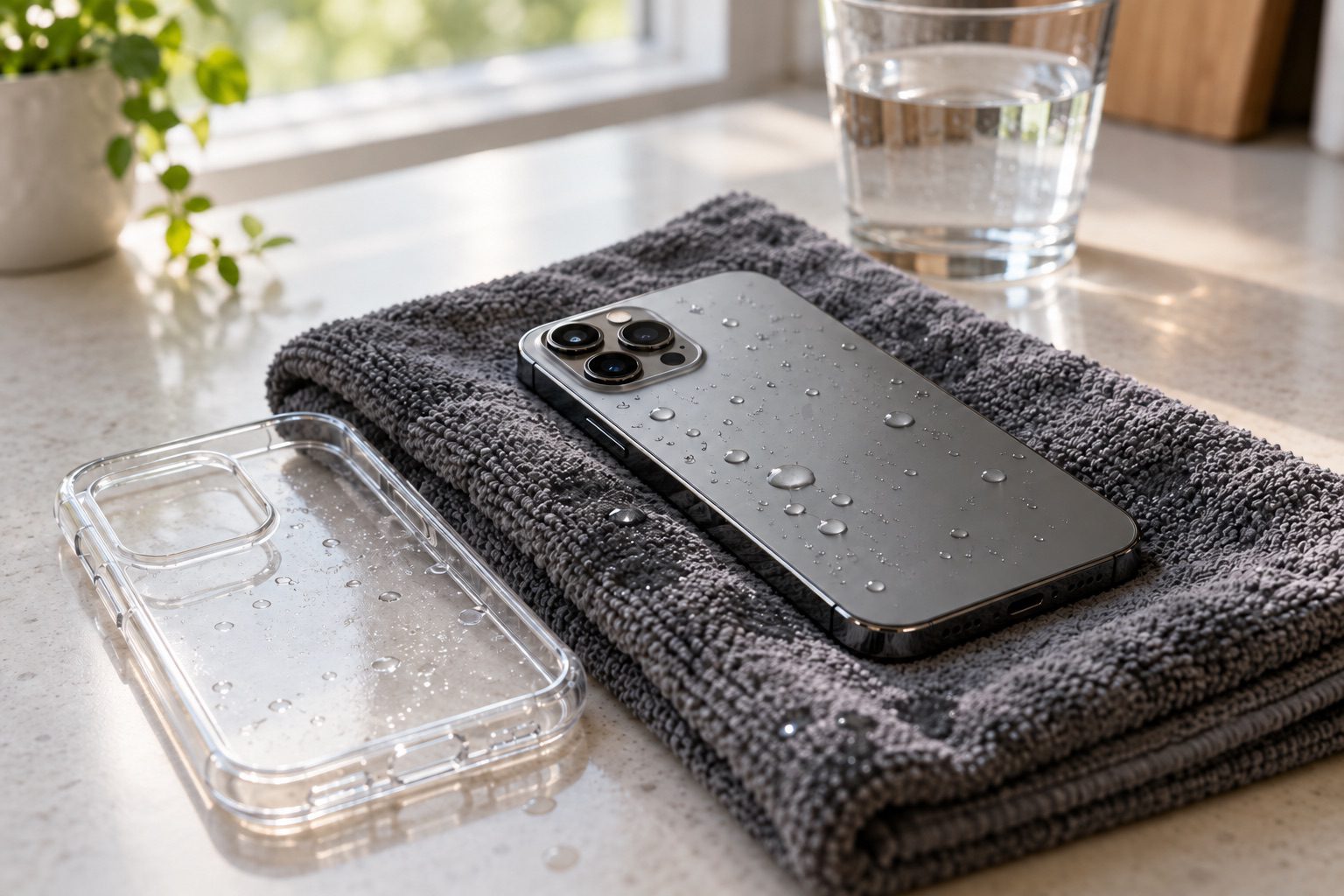
It slipped off the dock, landed in the sink or took a full cup of coffee. Whatever happened, what you do in the next few minutes matters more than anything you do later. Most advice online is about getting the phone working again tonight. The better goal is to stop the damage spreading until a technician can open it up.
This guide covers what to do the moment your iPhone gets wet, what to skip, the signs of damage that show up days later, and how to fix a water damaged iPhone at Repair Express in Kelowna, Penticton or Vernon. Most of the steps apply to Android phones too.
What to do right after your iPhone gets wet
1. Get it out and turn it off
Pull it out of the water and power it off right away. The Repair Express water damage repair page puts it plainly: “If your phone suffers from water damage, turn it off immediately and avoid charging it.”
Don’t turn it back on to see if it still works. The Repair Express FAQ explains why: liquid inside the phone can react with powered electronic components and cause more damage.
2. Keep it off the charger
Charging a wet phone sends power through the same wet parts. Leave the cable and the wireless charger alone until a technician has looked at it.
3. Take off the case and pull the SIM tray
The FAQ says to “remove it from the case to help it dry,” and to remove the battery, SIM card and microSD card. On an iPhone, that means the case and the SIM tray, if your model has one. iPhones don’t have a removable battery or a memory card slot, but some Android phones do, so take those out if you can.
4. Dry the outside and let gravity help
Wipe the outside dry with a soft cloth. Apple’s support page for wet iPhones says to “Tap your iPhone gently against your hand with the connector facing down to remove excess liquid.” That is as far as drying at home should go.
5. Bring it in, even if it seems fine
A phone that dries out and turns on can still have water inside. The Repair Express FAQ says that once a phone has potential water damage, “you run the risk of making it worse by continuing to use it.” The Repair Express homepage adds: “The sooner you bring it in, the better chance we have of saving your device.”
What not to do with a wet iPhone
You will hear plenty of home remedies. Skip these.
- Don’t put it in rice. Apple’s support page says: “Don’t put your iPhone in a bag of rice. Doing so could allow small particles of rice to damage your iPhone.”
- Don’t use a hair dryer, a heater or compressed air. Apple says not to dry an iPhone “using an external heat source or compressed air.” Repair Express warns that shaking or blow-drying a phone can spread the water further inside.
- Don’t push anything into the charging port. Apple names cotton swabs and paper towels as things to keep out of the connector.
- Don’t keep using it because it still turns on. That is the advice in the Repair Express FAQ.
- Don’t open it up yourself. The Repair Express water damage page says DIY fixes can lead to further damage.
Signs of water damage that show up later
Sometimes a phone seems fine for a day or two, then starts acting up. The Repair Express water damage page lists the first signs to watch for:
- A flickering or dim screen
- A touch screen that stops responding
- Unexpected shutdowns or restarts
- Moisture or condensation under the screen or inside the camera lens
- A phone that won’t turn on
Water can affect both the hardware and the software, and the same page names corrosion and data loss among the common results. If you see any of these signs, turn the phone off and bring it in.
How Repair Express fixes a water damaged iPhone
Cleaning, testing and the price
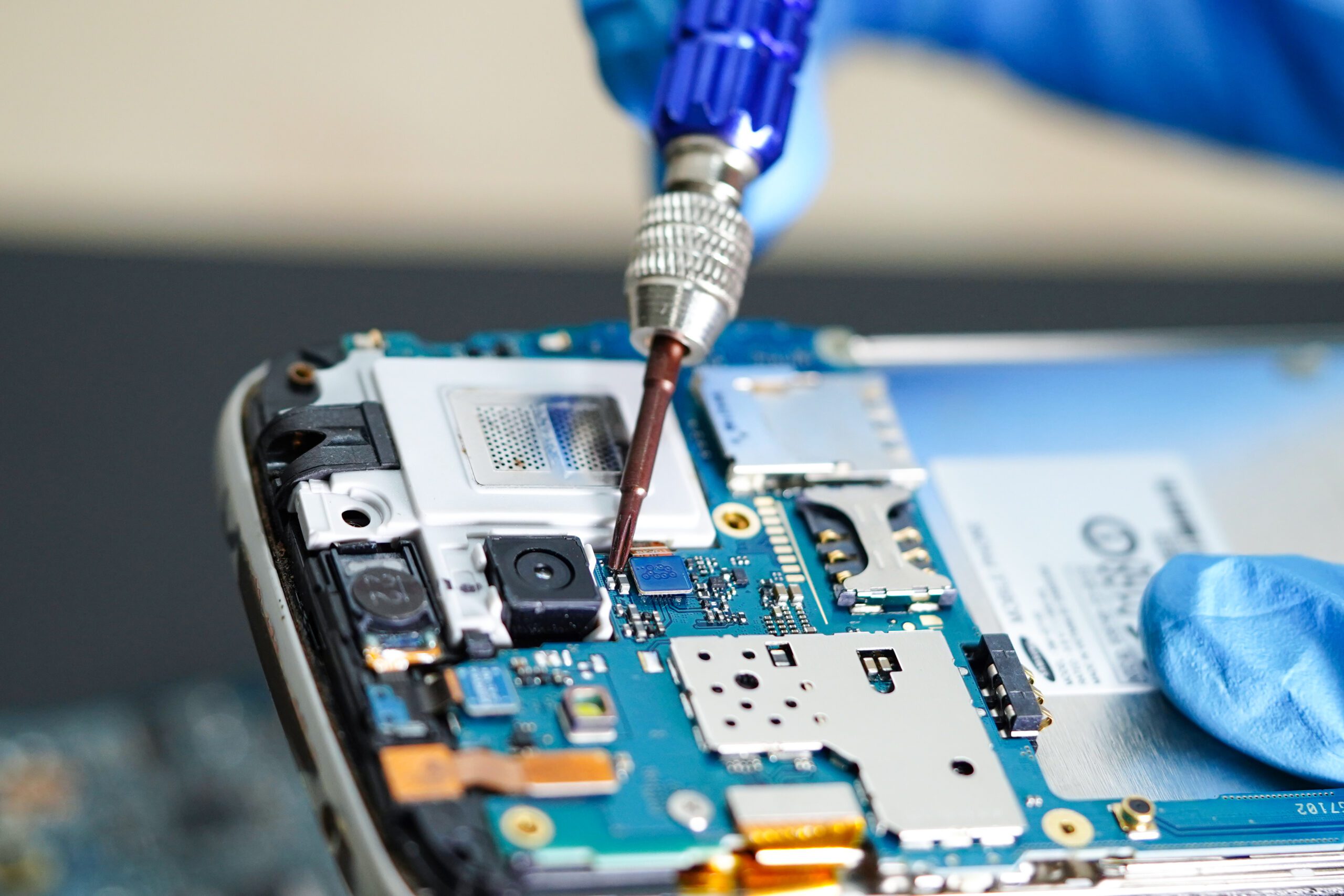
The repair starts with cleaning. According to the Repair Express warranty page, the technician cleans away the corrosion first, then reassembles and tests the device to see what still works.
The water damage page gives the price: “our water damage repair services range from $60 to $90 for corrosion removal and diagnostics.” If testing shows a part needs replacing, such as a battery or a screen, that costs extra. Repair Express says it will tell you about any extra costs before going ahead.
Parts that may need replacing
It depends on where the water got to. Alongside water damage repair, the page lists speaker, screen, microphone, battery, housing, camera, charging port and button repairs, all done with OEM parts. See the iPhone repair page for the models Repair Express works on.
What the warranty covers
Repair Express backs phone repairs with a 12-month warranty on parts and labour. Water damage comes with a caveat. The warranty page says: “Because of the instability water damage causes to a device, the warranty may not apply.” Parts replaced during the repair are covered under the warranty. Ask the technician what applies to your phone before you approve the work.
If the phone can’t be saved
Not every wet phone comes back. If yours doesn’t, Repair Express sells used devices that go through testing and certification before they are sold, and the Electronics Recycling Centre takes old phones.
Water damage repair in Kelowna, Penticton and Vernon
All three stores are closed on weekends. If your phone goes in the lake on a Saturday, turn it off, keep it off the charger and bring it in on Monday.
- Kelowna: 205-1889 Spall Rd. Monday to Friday, 9:30 am to 6:00 pm. Call 250-300-8551 or text 782-801-9229.
- Penticton: 102-290 Riverside Dr. Monday to Friday, 9:00 am to 6:00 pm. Call 250-276-1199.
- Vernon: 3104B 27th Street. Monday to Friday, 9:00 am to 5:30 pm. Call 250-275-4761.

Water damaged iPhone: frequently asked questions
Should I put my wet iPhone in rice?
No. Apple’s support guidance says small particles of rice could damage your iPhone. Turn the phone off, take off the case, remove the SIM tray, wipe the outside dry and bring it to a repair shop.
Can I keep using my iPhone if it still turns on after getting wet?
No. The Repair Express FAQ says using a phone with potential water damage risks making it worse, because liquid inside can react with powered electronic components. Turn it off and have it checked.
How much does it cost to fix a water damaged iPhone?
Repair Express lists $60 to $90 for corrosion removal and diagnostics. Replacement parts such as a battery or a screen cost extra, and Repair Express tells you about any extra cost before the work goes ahead.
Is water damage covered by the Repair Express warranty?
The warranty page says that because of the instability water damage causes to a device, the warranty may not apply. Parts replaced during the repair are covered under the warranty. Ask the technician what applies to your phone.
How soon should I bring in a water damaged phone?
As soon as you can. Repair Express says the sooner a wet device comes in, the better the chance of saving it. The Kelowna, Penticton and Vernon stores are open Monday to Friday.
Phone just went in the water? Turn it off, keep it off the charger and call the store nearest you: Kelowna 250-300-8551, Penticton 250-276-1199 or Vernon 250-275-4761. In Kelowna you can also request an appointment online.